
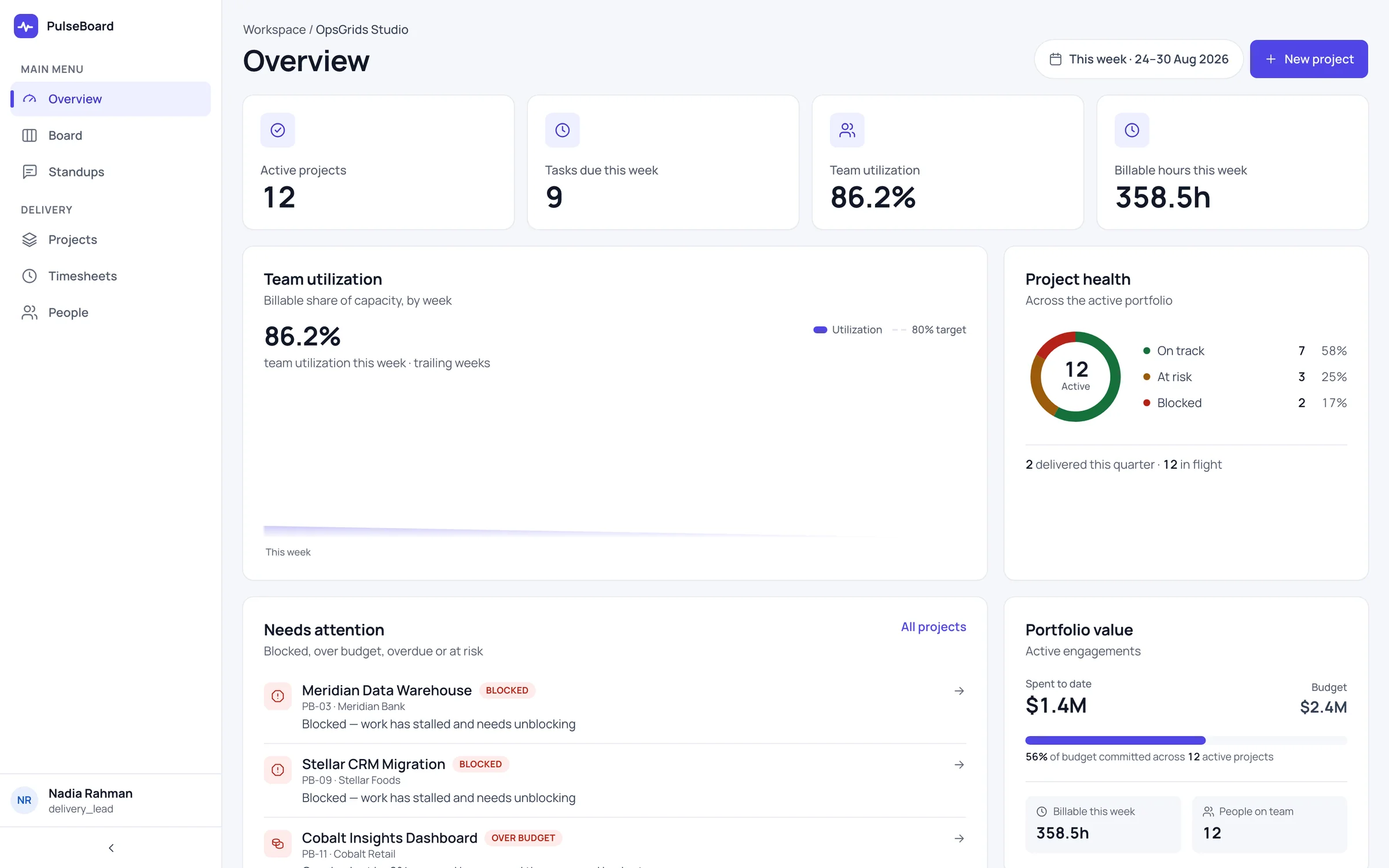
OpsGrids PulseBoard is built for the way a services team runs: people assigned to client projects, hours recorded against the work, and a short check-in each day. It brings the roster, the projects and tasks, the timesheets and the standups into one place, so a lead is not stitching them together from a sheet and a chat group.
Who it is for
- An agency or consulting firm where the work is people's time spent on client projects.
- A delivery lead who collects timesheets by message at the end of each week and chases the missing ones.
- A team that runs daily standups but keeps no written record of them.
- A founder who wants to see who is working on what, without asking each person.
What you can do with it
Projects and tasks against a people roster
The roster is the list of people on the team. Projects and tasks are worked against it, so each piece of work has someone attached and a lead can see how work is spread across the team.
Timesheets
People record their hours in timesheets against the work. The hours sit in the same place as the projects and tasks they belong to, rather than in a spreadsheet someone has to match up later.
Daily standups
Each person posts a short daily update; a common shape is what they did, what is next and what is blocking them. Written standups help when the team is split across sites or hours, and they leave a record a lead can read back.
How it fits a working week
- Monday: the lead checks the roster against the week's projects and tasks.
- Every morning: each person posts a standup; the lead reads them and follows up on anything blocked.
- Through the week: people log their hours in timesheets as they go, not from memory on Friday.
- Friday: the lead reviews the week's timesheets against the projects and follows up with anyone who has not logged hours.
A week in a services team
Picture a twelve-person design agency with five client projects running. On Monday the delivery lead looks at who is on which project and sees that one designer is spread across three. Standups through the week show that designer blocked twice, waiting on client feedback, and the lead steps in with the client on Wednesday. By Friday the hours are already in timesheets against each project, so the lead is reviewing rather than collecting. The week's record, who did what, on which project, and what got in the way, is in one place. Our guide on moving from spreadsheets to one platform covers why that matters when the business grows.
Where it stops today
PulseBoard records hours; it does not bill them. Turning approved timesheet hours into an invoice line in OpsGrids Finance is designed, not built, so today someone still re-keys the hours into the invoice. PulseBoard does not run billing or payroll from timesheets. For delivery work that needs milestones and a timeline rather than hours, see OpsGrids Projects.
Questions buyers ask
Can timesheets become invoices automatically? Not yet. The connection to Finance is designed, not built; hours are re-keyed into the invoice today.
Does it calculate payroll from hours? No. PulseBoard does not run payroll, and OpsGrids has no payroll today.
Are standups written or live? Written. Each person posts a daily update that stays on record.
How is PulseBoard different from Projects? PulseBoard adds a people roster, timesheets and daily standups for services teams. Projects focuses on milestones, tasks, and board and timeline views.
Who can see someone's timesheet? Access follows OpsGrids permissions, which carry a scope such as own, team, location or organisation.